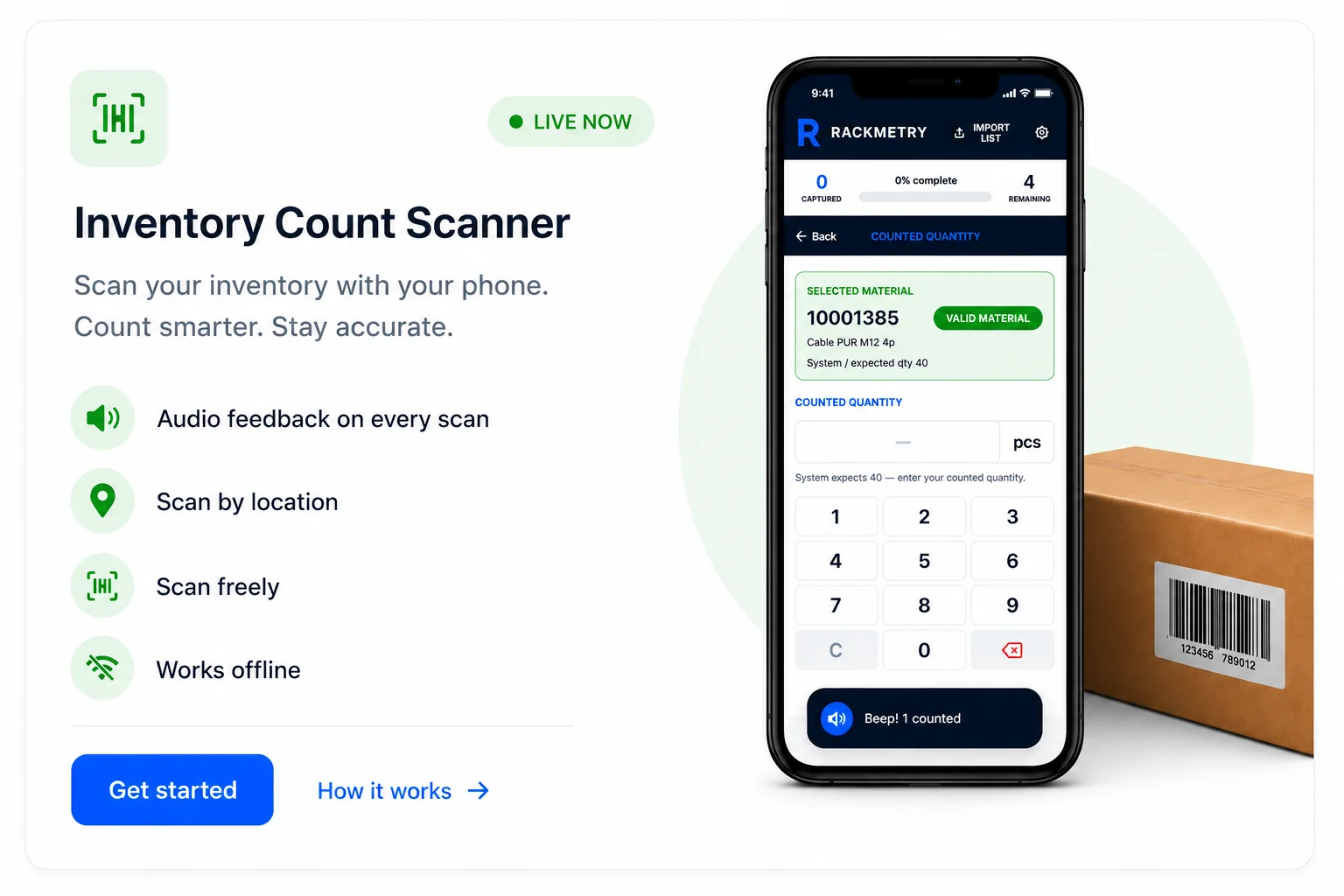
VLM Material Intake Scanner
Capture bin size and quantity for every material going into your VLM, then export a clean import file.
Mini demo
See the workflow before you buy
Open a lightweight demo and click through the core flow on your phone. It is meant for feel and understanding, not your live account data.
Open scanner demo1Import your material list (Excel or CSV) — columns are matched automatically.
2Scan or type each material; it's verified against your list with a clear green or red result.
3Pick the bin and set the max quantity — calculated for you when item dimensions are known.
Walk the floor with your phone, tablet, or laptop. Scan each material with the camera, a bluetooth scanner, or by typing — pick the bin, set the quantity, and export a ready-to-import file. Works fully offline once loaded. A pass covers up to 2 users working at once; the Team pass covers up to 5.

What it does
Scan material
Scan or type the barcode to capture item details.
Select bin size
Choose the right bin size for the material.
Max quantity
Set the maximum that can be stored per bin.
Export ready
Export in the correct format for your VLM import.
Works offline
Capture anywhere; data is saved offline until you export.
Any device
Phone, tablet, or laptop, with camera or bluetooth scanner.
How it works
- 1Import your material list (Excel or CSV) — columns are matched automatically.
- 2Scan or type each material; it's verified against your list with a clear green or red result.
- 3Pick the bin and set the max quantity — calculated for you when item dimensions are known.
- 4Export a clean import file and share it straight to a manager. Everything runs offline and saves as you go.
Get started
Enter your email and choose an option. You'll be taken to secure checkout.
Secure payment through Stripe. Use the email you'll sign in with.